
Spline is an OpenSource tool that enables automatic tracking of Data Lineage and Data Pipeline Structure. Its most common use is tracking and visualizing Data Lineage for Spark.
Spline Overview
Spline is an open-source and free tool for automatically tracking data lineage and pipeline structure in projects. It’s commonly used for tracking and visualizing Data Lineage for Spark Jobs.
Spline was created as a dedicated Spark tracking tool, however the project was later expanded to fit many other projects besides Apache Spark. Nevertheless, Spline is still known as an automatic data lineage tracking tool for Spark Jobs.
Spline consists of 3 main components:
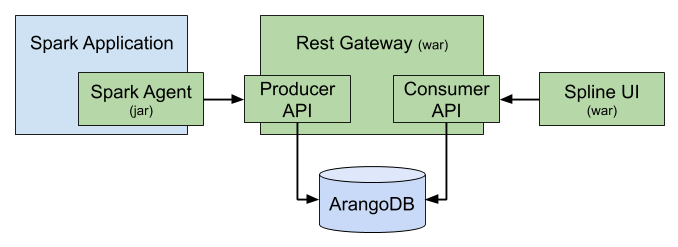
Spline Server: Spline server is the most important part of Spline, it handles data collection and processing, receives data lineage information sent from agents through producer API and stores them in ArangoDB database, and provides a consumer API to read and query lineage data. The Consumer API is used by Spline UI or any 3rd party application that wants to visualize data lineage results collected by Spline
Spline Agents: Spline Agent is a component that will be declared within the Spark application to capture Spark’s data lineage. Each time a Spark Job runs, Spline Agent will capture data lineage information and send it to the producer API for Spline Server to process and store in the database
Spline UI: is a tool for visualizing Spark Job data flows collected by Spline. Spline UI can be replaced by other 3rd party applications such as Open Metadata
Note: Versions from spline 0.3 and earlier use MongoDB as database, however from version 0.4 onwards Spline replaces them with a more powerful document database which is ArangoDB.
Spline can use REST API or Kafka as data transmission medium, in this article I will only cover using REST API
Installing Spline
To set up Spline, you need to set up Spline Server, Spline UI and configure Spline Agent for Spark. Both Spline Server and Spline UI run on a Tomcat server. We can download the war files of Spline Server and Spline UI and run them with tomcat here:
- Spline REST Gateway: za.co.absa.spline:rest-gateway:0.7.8
- Spline UI: za.co.absa.spline.ui:spline-web-ui:0.7.5
Manual installation of Spline via Tomcat is rarely used nowadays. They are usually used on technologies that install packaged versions like Ambari or projects with other specific requirements. Instead, Docker can be used as an alternative to installation.
Installing Spline via Docker:
- Step 1: Clone project
1
git@github.com:trannguyenhan/docker-installer.git
- Step 2: cd to spline directory
1
cd spline
- Step 3: Run spline
1
docker-compose up
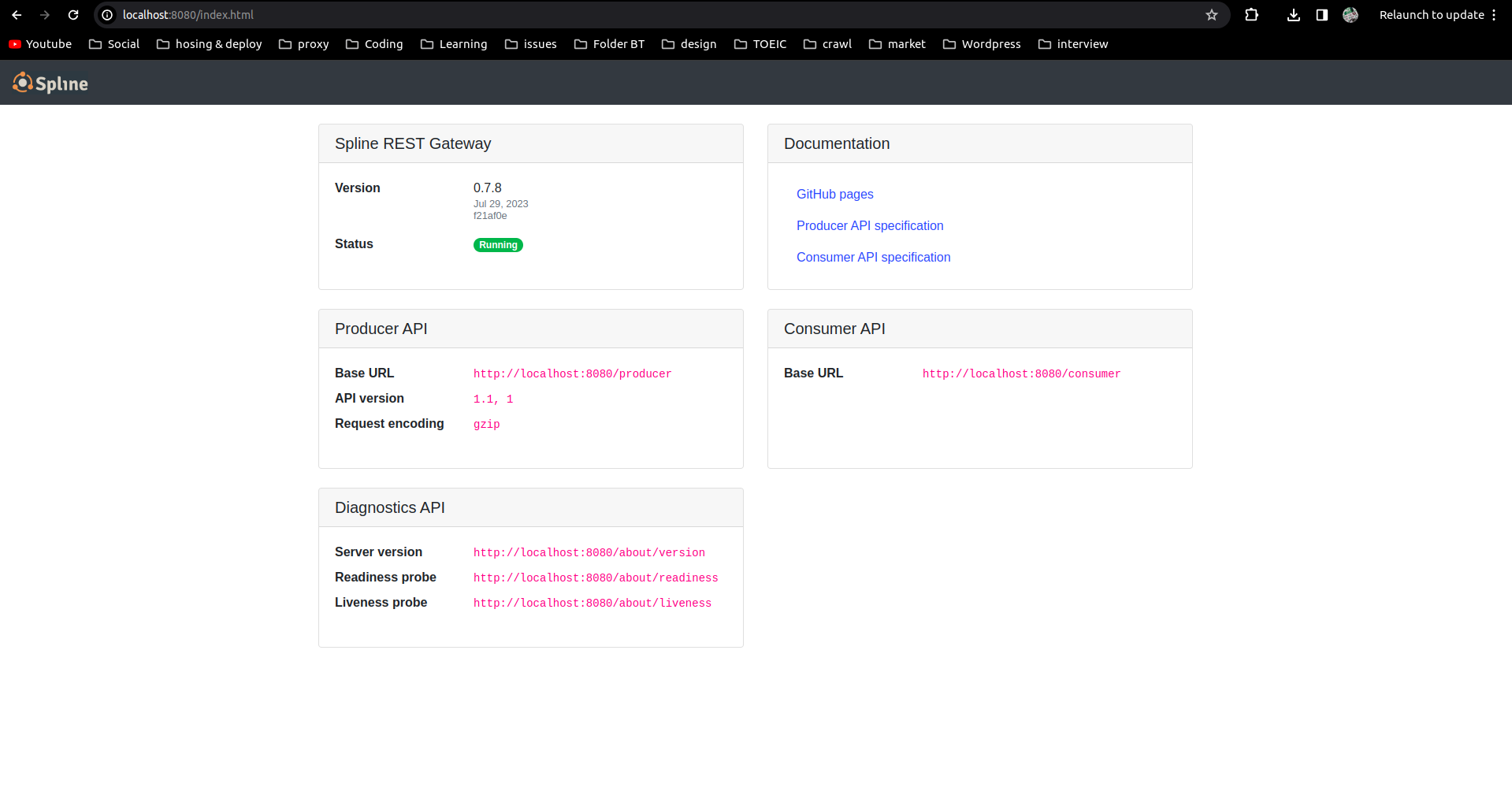
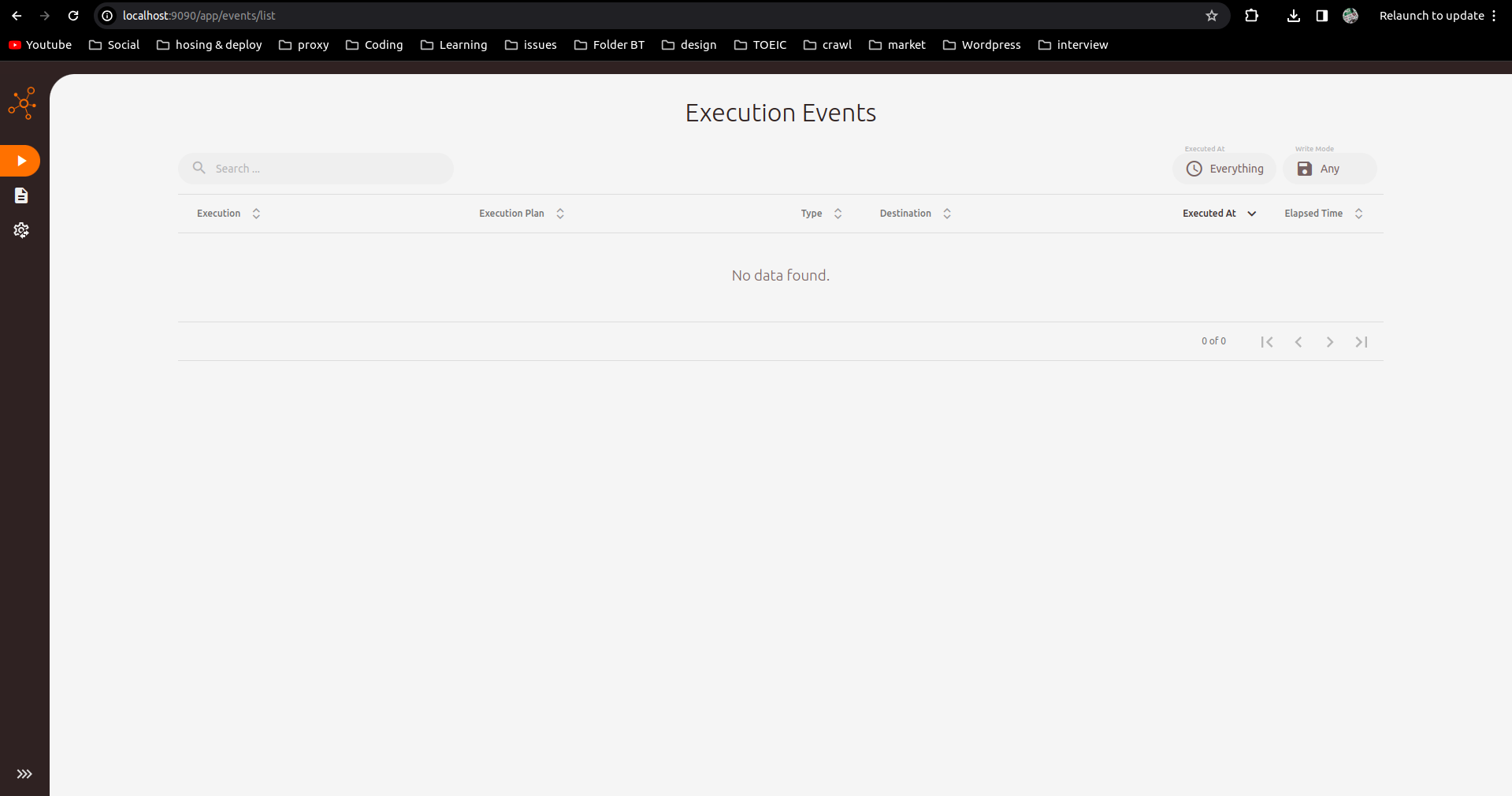
Wait a moment for Spline to start up and check 2 ports 8888 (Spline Server port) and 9999 (Spline UI port):
Collecting Spark Job Data Lineage via Spline
Spark Configuration
Configure Spark Agent
For Spline to be able to collect data from Spark, you need to configure Spline Agent for Spark so that each time a job is executed, Spline Agent can collect information about data lineage to send to Spline Server.
- Add configuration to file
$SPARK_HOME/conf/spark-defaults.conf:
1
2
spark.sql.queryExecutionListeners   za.co.absa.spline.harvester.listener.SplineQueryExecutionListener
spark.spline.producer.url   http://localhost:8888/producer
- If you don’t want to configure in
spark-defaults.conf, you can add configuration parameters for each run ofpyspark,spark-shell,spark-submit:
1
2
3
pyspark \
--conf "spark.sql.queryExecutionListeners=za.co.absa.spline.harvester.listener.SplineQueryExecutionListener" \
--conf "spark.spline.producer.url=http://localhost:8888/producer"
Library Configuration
Download library
spark-3.0-spline-agent-bundle_2.12:2.0.0and place it in directory$SPARK_HOME/jars: spark-3.0-spline-agent-bundle_2.12:2.0.0If you don’t want to manually download additional libraries as above, you can add the following configuration parameter for each run of
spark-shell,pyspark,spark-submit:
1
2
pyspark \
--packages za.co.absa.spline.agent.spark:spark-3.0-spline-agent-bundle_2.12:2.0.0
Simple read-write program with pyspark
Running with pyspark, spark-submit or spark-shell is the same. In this example, I’ll try with pyspark to see how Spline draws data lineage of the data flow.
1
2
3
4
5
6
7
8
9
10
11
# Import SparkSession
from pyspark.sql import SparkSession

# Create SparkSession
spark = SparkSession.builder \
      .master("spark://PC0628:7077") \
      .appName("Spark SQL ananytic Tiki data") \
      .getOrCreate()

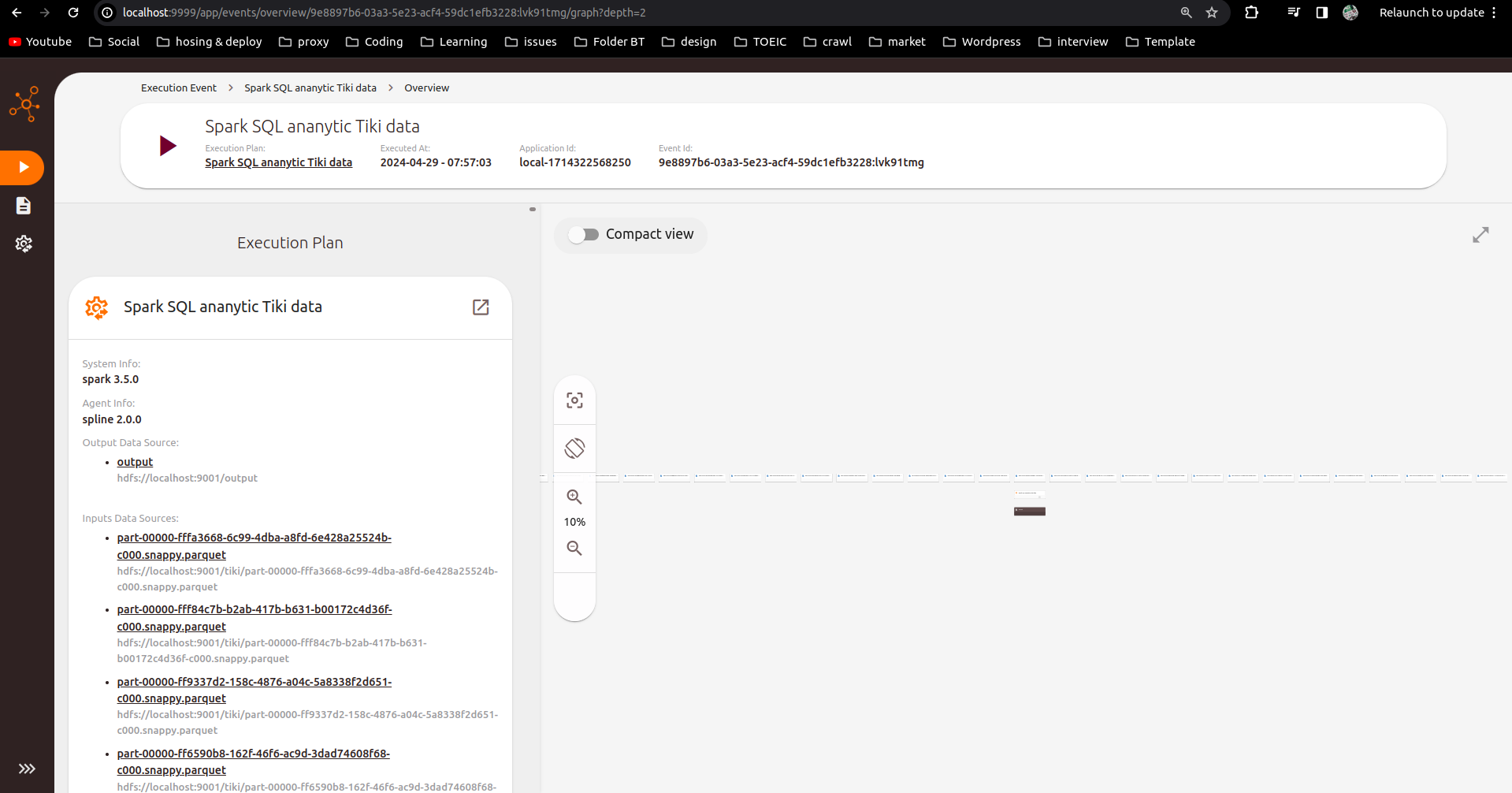
data = spark.read.parquet("hdfs://localhost:9001/tiki/*")
data.write.parquet('hdfs://localhost:9001/output')
Check Data Lineage Results
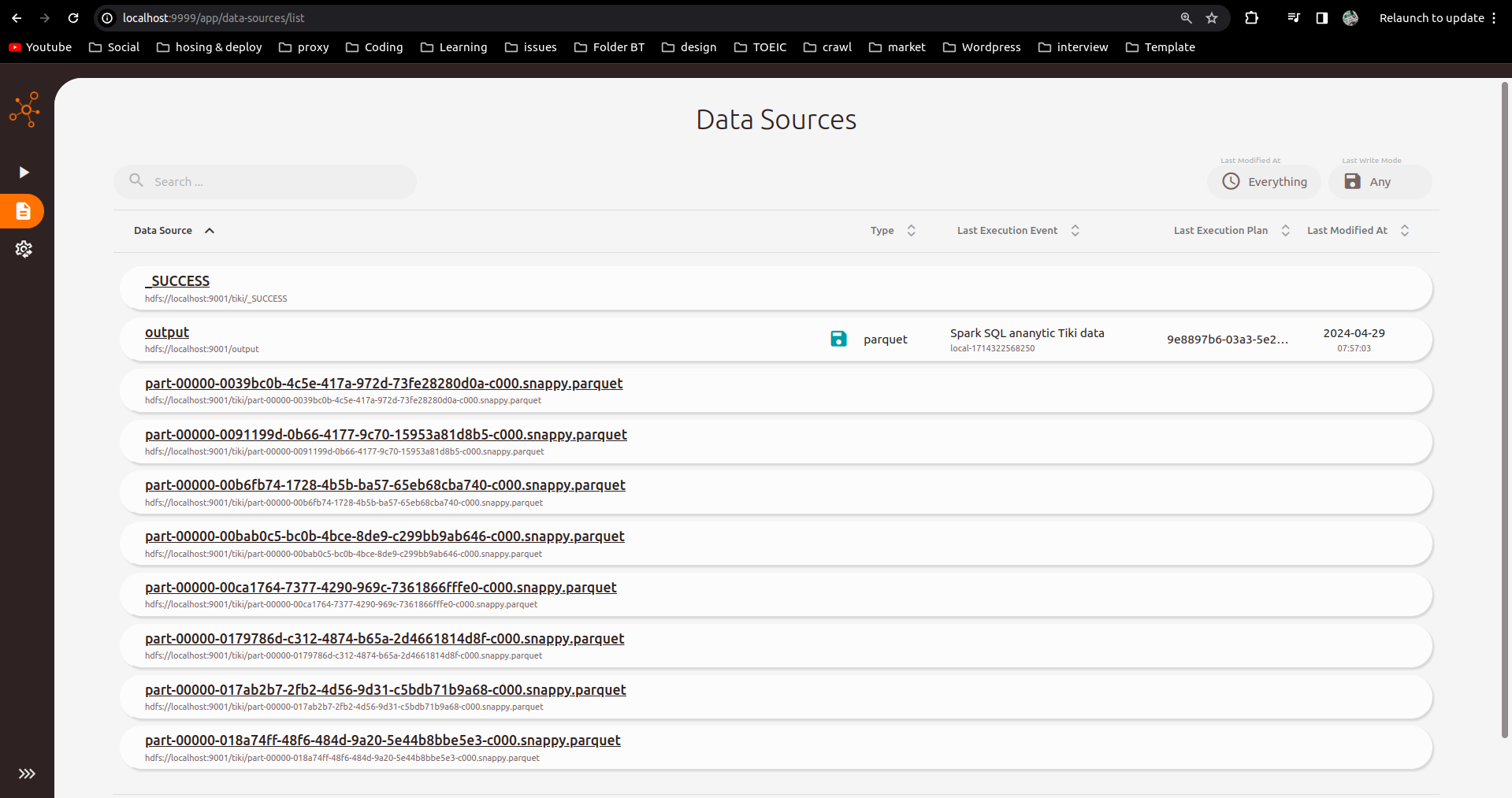
Check results on Spline UI interface port localhost:9999:
Reference: https://absaoss.github.io/spline/