
Spline is an OpenSource tool that allows automatic tracking of Data Lineage and Data Pipeline Structure. Its most common use is tracking and visualizing Data Lineage for Spark.
Spline Overview
Spline is an open-source and free tool for automatically tracking data lineage and pipeline structure in projects. Popularly, it’s using Spline for tracking and visualizing Data Lineage for Spark Jobs.
Spline was created as a tracking tool specifically for Spark. However, the project was later expanded to fit many other projects besides Apache Spark. Nevertheless, Spline is still known as an automatic data lineage tracking tool for Spark Jobs.
Spline consists of 3 main components:
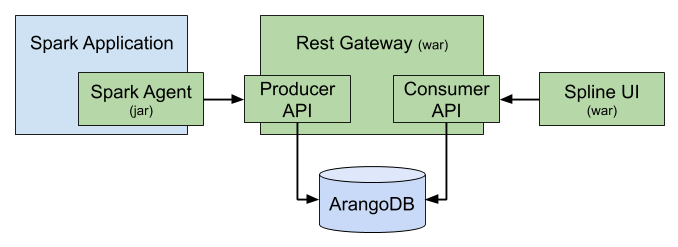
Spline Server: Spline server is the most important part of Spline. It takes on the task of collecting and processing data, receiving data lineage information sent from agents through the producer API and storing them in the ArangoDB database, and providing a consumer API to read and query lineage data. The Consumer API is used by Spline UI or any third-party applications that want to visualize the data lineage results collected by Spline
Spline Agents: Spline Agent is a component that will be declared in the Spark application to extract data lineage data of Spark. Each time a Spark Job runs, Spline Agent will extract data lineage information and send it to the producer API for Spline Server to process and store in the database
Spline UI: is a tool to visualize the data flow of Spark Jobs collected by Spline. Spline UI can be replaced by other third-party applications, for example Open Metadata
Note: Versions from Spline 0.3 and earlier use MongoDB as the database. However, from version 0.4, Spline replaced them with a more powerful document database: ArangoDB.
Spline can use REST API or Kafka as the data transmission medium. In this article, I will only mention using REST API
Installing Spline
To set up Spline, we need to set up Spline Server, Spline UI, and configure Spline Agent for Spark. Spline Server and Spline UI both run on a Tomcat server. We can download the war files of Spline Server and Spline UI and run them with Tomcat here:
- Spline REST Gateway: za.co.absa.spline:rest-gateway:0.7.8
- Spline UI: za.co.absa.spline.ui:spline-web-ui:0.7.5
Manual installation of Spline through Tomcat is rarely used nowadays. They are usually used on technologies that install packaged versions like Ambari or projects with other specific requirements. Instead, Docker can be used to replace installation.
Installing Spline via Docker:
- Step 1: Clone project
1
git@github.com:trannguyenhan/docker-installer.git
- Step 2: cd to spline folder
1
cd spline
- Step 3: Run Spline
1
docker-compose up
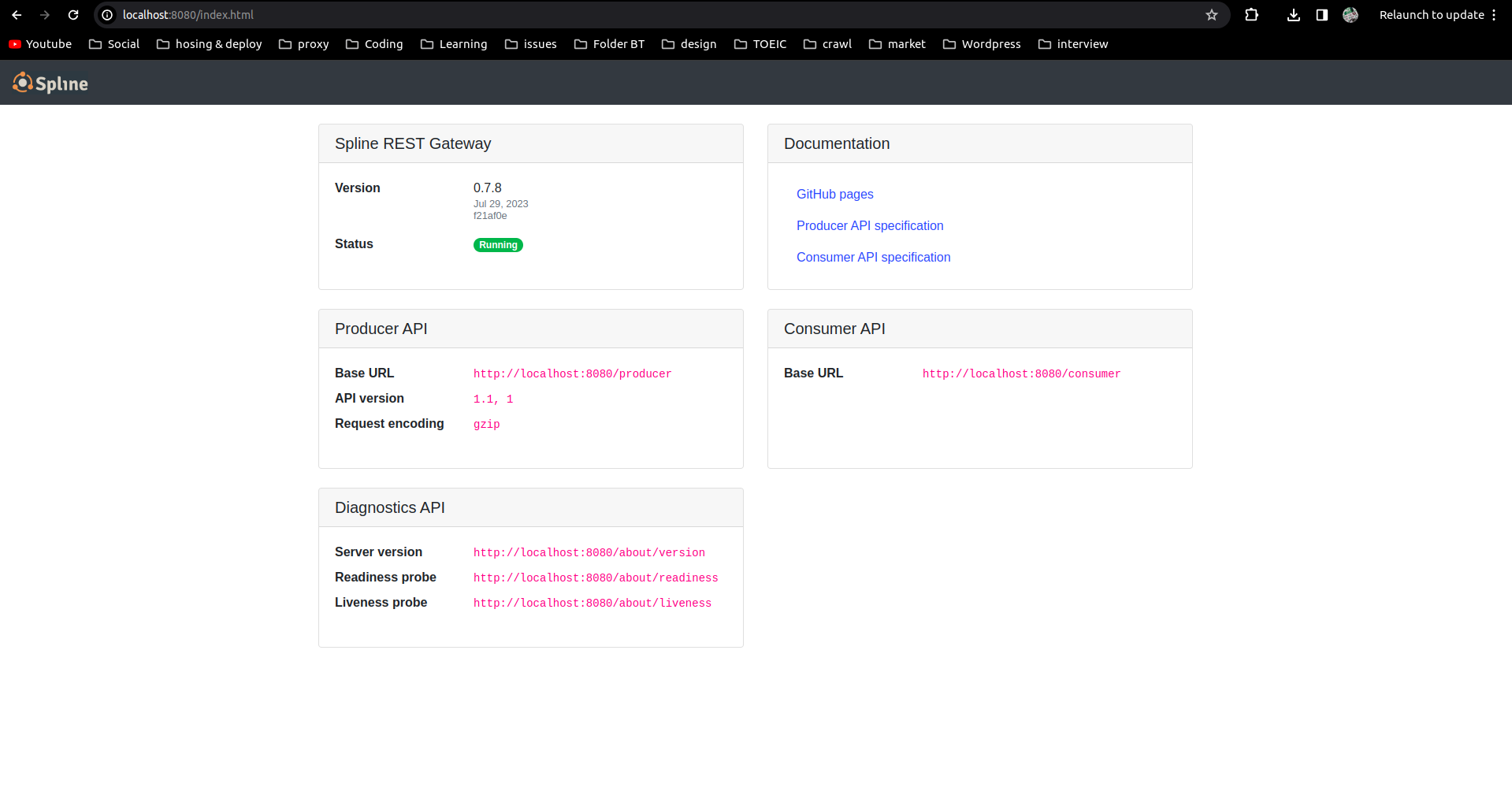
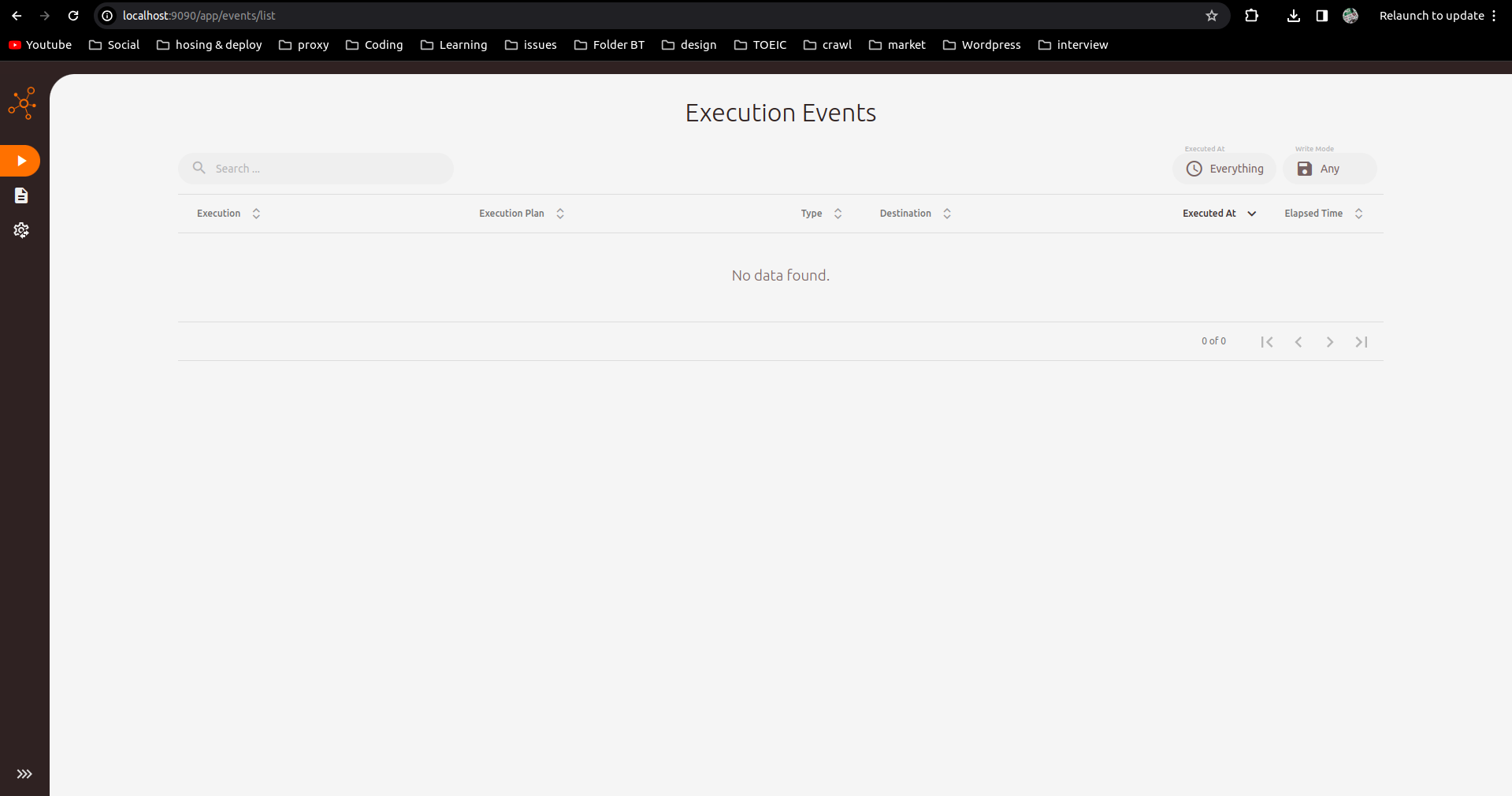
Wait a moment for Spline to start and check ports 8888 (Spline Server port) and 9999 (Spline UI port):
Collecting Spark Job Data Lineage via Spline
Spark Configuration
Configuring Spark Agent
For Spline to collect data from Spark, we need to configure Spline Agent for Spark so that each time a job is executed, Spline Agent can collect information about data lineage to send to Spline Server.
- Add configuration to file
$SPARK_HOME/conf/spark-defaults.conf:
1
2
spark.sql.queryExecutionListeners   za.co.absa.spline.harvester.listener.SplineQueryExecutionListener
spark.spline.producer.url   http://localhost:8888/producer
- If you don’t want to configure in
spark-defaults.conf, you can add configuration parameters for each run ofpyspark,spark-shell,spark-submit:
1
2
3
pyspark \
--conf "spark.sql.queryExecutionListeners=za.co.absa.spline.harvester.listener.SplineQueryExecutionListener" \
--conf "spark.spline.producer.url=http://localhost:8888/producer"
Library Configuration
Download library
spark-3.0-spline-agent-bundle_2.12:2.0.0and place it in folder$SPARK_HOME/jars: spark-3.0-spline-agent-bundle_2.12:2.0.0If you don’t want to download the library manually as above, you can add the following configuration parameter for each run of
spark-shell,pyspark,spark-submit:
1
2
pyspark \
--packages za.co.absa.spline.agent.spark:spark-3.0-spline-agent-bundle_2.12:2.0.0
Simple Read-Write Program with pyspark
Running with pyspark, spark-submit, or spark-shell is the same. In this example, I’ll try with pyspark to see how Spline draws the data lineage of the data flow.
1
2
3
4
5
6
7
8
9
10
11
# Import SparkSession
from pyspark.sql import SparkSession

# Create SparkSession
spark = SparkSession.builder \
      .master("spark://PC0628:7077") \
      .appName("Spark SQL ananytic Tiki data") \
      .getOrCreate()

data = spark.read.parquet("hdfs://localhost:9001/tiki/*")
data.write.parquet('hdfs://localhost:9001/output')
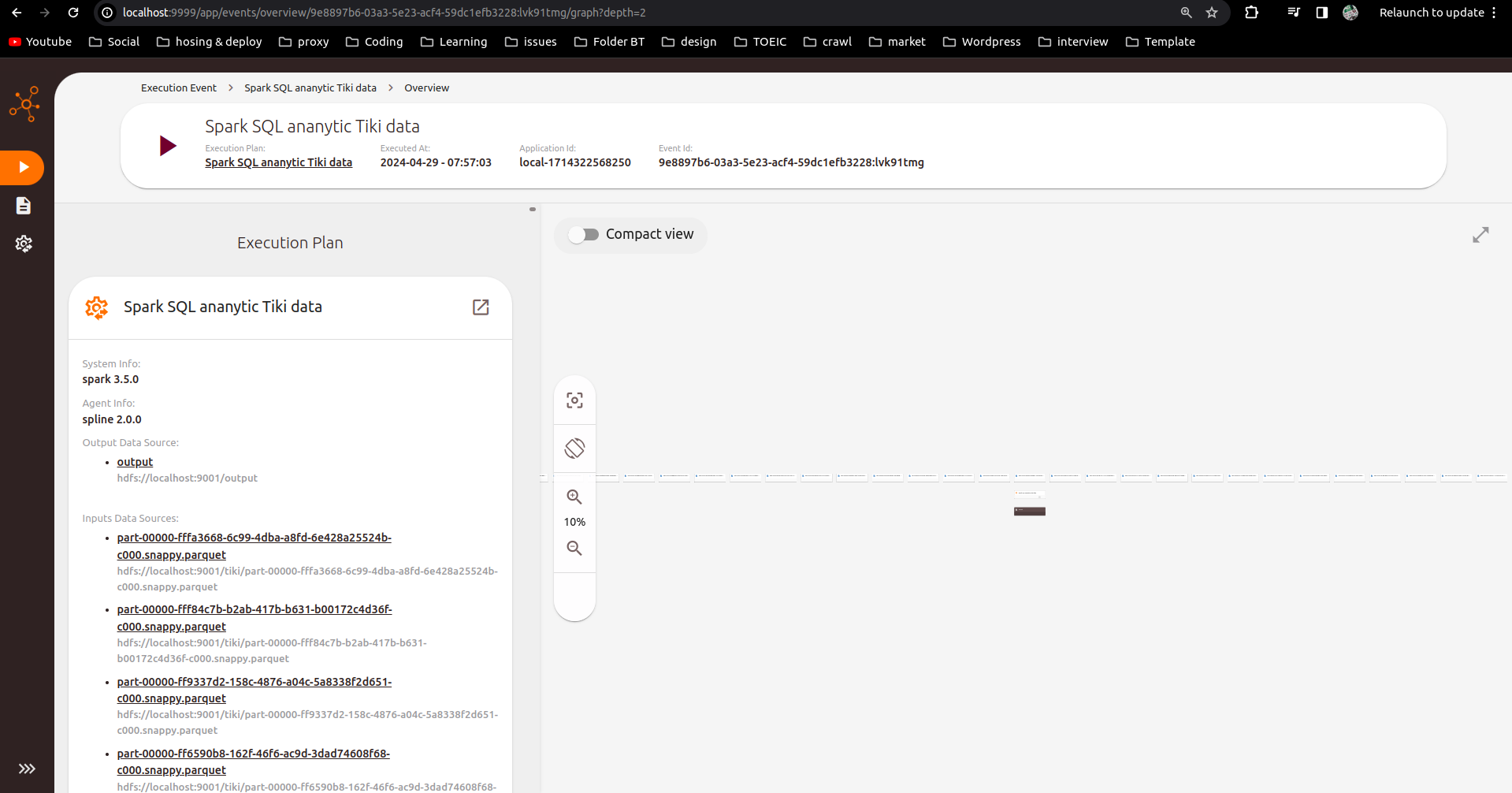
Checking Data Lineage Results
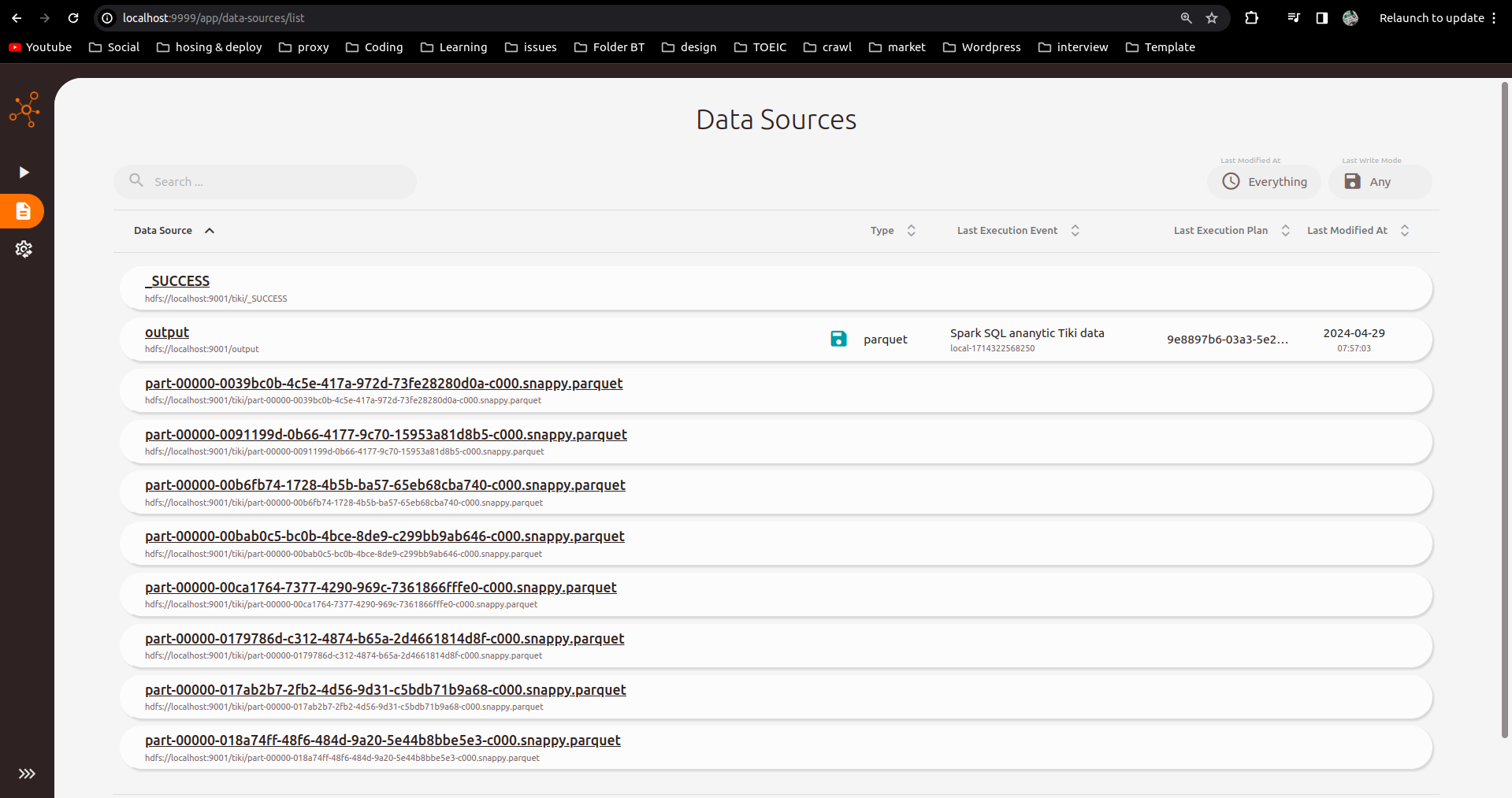
Check results on Spline UI interface port localhost:9999:
Reference: https://absaoss.github.io/spline/