
Crawler, Web Scrape, Web Scraping, data collection, data scraping,… are probably the terms we use most to talk about work that creates programs to analyze and extract data from websites. There’s certainly a difference between the concepts of web crawler and web scraping, but basically they’re similar and our normal work often combines these two concepts, so for simplicity and ease of reference, when mentioning these two concepts we can consider them as one.
One thing is that most website owners don’t like us scraping their web data. First, for genuine content creators, they certainly don’t want others copying their hard work. Second, using bots frequently to crawl can overload websites. Some small and medium websites use servers that aren’t too powerful to serve a small number of their readers, and if our bots operate too frequently on those sites, it will exhaust server resources. Unauthorized bot traffic can also negatively impact analytics metrics like bounce rate, conversions, page views, session duration, and user geographic location. And there are many other things…
The Development of Data Crawling from Websites
With the explosion of artificial intelligence in recent years, the need for data has become more necessary than ever. And the very rich data source is none other than the internet. For example, if you want to create a house price prediction model, the first thing is certainly to collect house price data from real estate trading sites, then process the data as input for the learning model. Or if you want to create a machine translation model, besides hiring people to create input data which would be very expensive, you could think of another approach like crawling data from bilingual newspaper sites (in this series I will have an article about crawling bilingual newspapers)…
Common Ways Websites Prevent Being Crawled
This series talks about how to crawl data successfully, however we at least need to know some basic ways that websites use to prevent being crawled in order to find ways to crawl data from those sites. Generally, to successfully crawl data, you must know how websites protect against being crawled.
Using robots.txt file
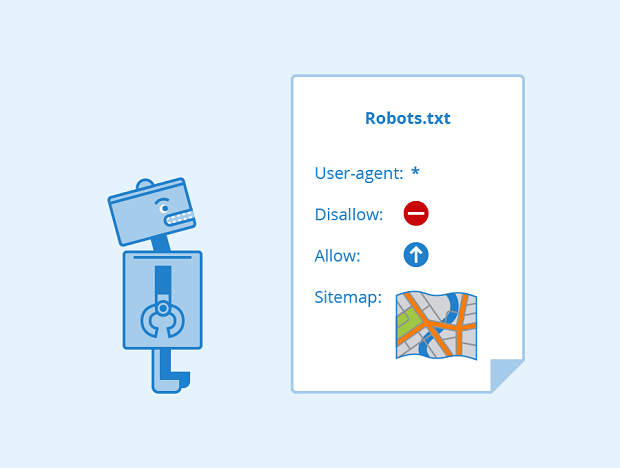
Website owners often use “robots.txt” files to communicate their intentions about crawling data from their websites. Simply put, this file defines what we’re allowed to crawl on the website. However, certainly very few bots actually follow this file.
If you’ve used Scrapy, you’ll see that from Scrapy version 1.1 (2016-05-11) the downloader will download the robots.txt file before starting crawling, to see which URLs are allowed to be crawled. But it’s also very easy to change this - go into settings.py and set ROBOTSTXT_OBEY = False, and everything returns to normal.
Dynamic Website Generation with Javascript
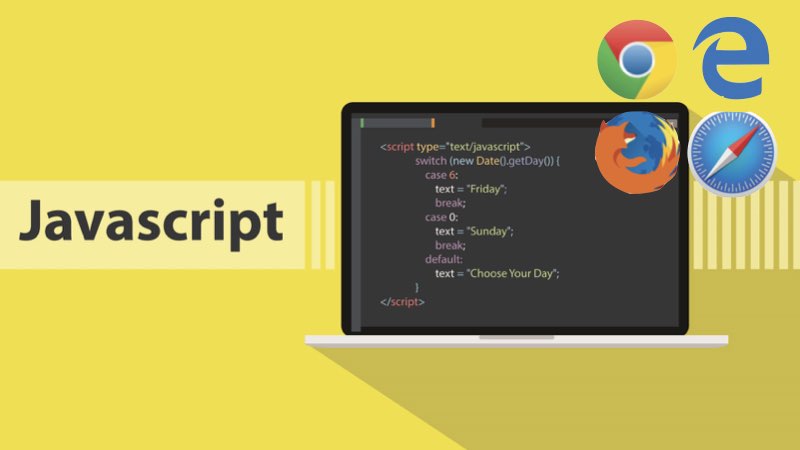
Now websites generated with Javascript are no longer difficult to crawl. Browsers like Chrome, Firefox… can display web page content because they have a Javascript interpreter in the browsers, and before displaying to users they have to run Javascript code to get HTML content and then display it to users.
So our approach when crawling websites generated with Javascript is similar - before getting code to analyze, we’ll pass it through an intermediate tool to run the Javascript code and return the final HTML code to us. With Scrapy you can use Splash, or use Selenium directly to simulate browsers… (I’ll explain more in specific articles about each method).
To check if the website you want to crawl data from is generated with Javascript, you can use this extension: Disable JavaScript
Protection through Cloudflare

There are many ways to detect whether a browser or request to a website is from a bot or a real user. Cloudflare will detect and force bots to pass captcha before being able to access the content of the protected website.
Ways to bypass Cloudflare I’ll also discuss in a specific article later in this series.
IP Banning Based on Too Much Traffic from One IP
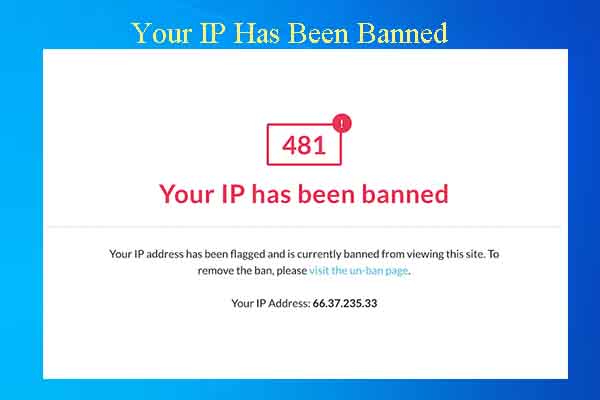
This can be overcome by using proxies. You create a pool containing thousands of proxies depending on your needs, each request to the website will use a different proxy, so website owners won’t be able to know that the requests to their website are from bots you created.
Additionally, when crawling you should also set rest periods between website visits, partly to avoid overloading the website being crawled and also to prevent website owners from detecting consecutive requests in continuous time periods from one place.
Using Login to Protect Content
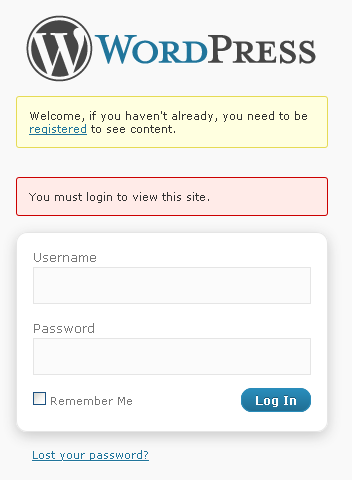
Forcing users to log in to view content on their website. Of course, they only apply this if that website truly has a foothold - with a newly created website that forces users to log in to view content, it might not attract new users.
And to overcome this protection method, we just need to log in, save the session information for each subsequent request to the website. The most typical example of this is crawling Facebook, and I’ll discuss this more specifically in later articles.
Using Captcha
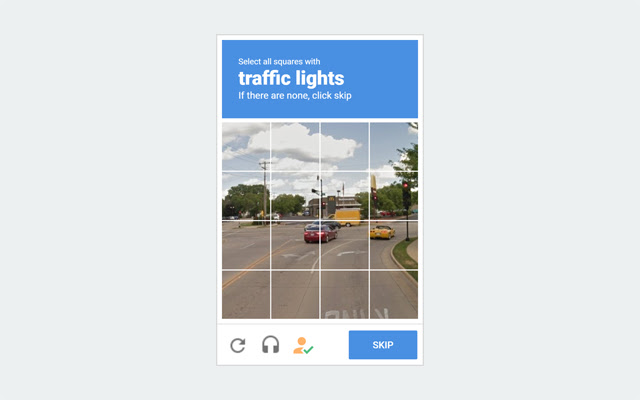
Using captcha can block quite a lot of bots but is rarely used because it creates a terrible user experience.
Since the website doesn’t have comments below articles, everyone please discuss and give me feedback at this GITHUB DISCUSSION: https://github.com/orgs/demanejar/discussions/1.