
Crawler, Web Scrape, Web Scraping, data collection, data scraping,… are probably the words we use most to talk about creating programs that analyze and extract data from websites. There is definitely a difference between the two concepts web crawler and web scraping, however, basically they are similar and our normal work when doing this is usually a combination of these two concepts, so later for simplicity and easy reference, when mentioning these two concepts, we can consider them as one.
One thing is that most website owners don’t like us scraping their web data. First, for legitimate content creators, they definitely don’t want others to copy their hard work. Next, when using bots frequently to crawl, it can overload the website. Some medium and small websites rent servers that are not too large to serve a small number of their readers, and if our bot operates too frequently on that website, it will cause the server to run out of resources. Unauthorized bot traffic can also negatively impact analytics metrics such as bounce rate, conversion, page views, session duration, and user geographic location. And many other things…
The Development of Website Data Crawling
With the explosion of artificial intelligence in recent years, the need for data has become more necessary than ever. And a very rich source of data is none other than the Internet. For example, if you want to create a house price prediction model, the first thing is definitely to collect data about house prices on real estate trading sites, then process the data to use as input for the learning model. Or if you want to create a machine translation model, in addition to hiring people to create input data which will cost a lot, you can think of another direction such as crawling data from bilingual news sites (in this series I will have an article on the topic of crawling bilingual news),…
Common Ways Websites Use to Prevent Crawling
This series talks about how to crawl data, but at least we also need to know some basic ways that websites use to prevent crawling so we can find ways to crawl data from those websites. In general, to crawl data, you must know how websites prevent crawling.
Using robots.txt File
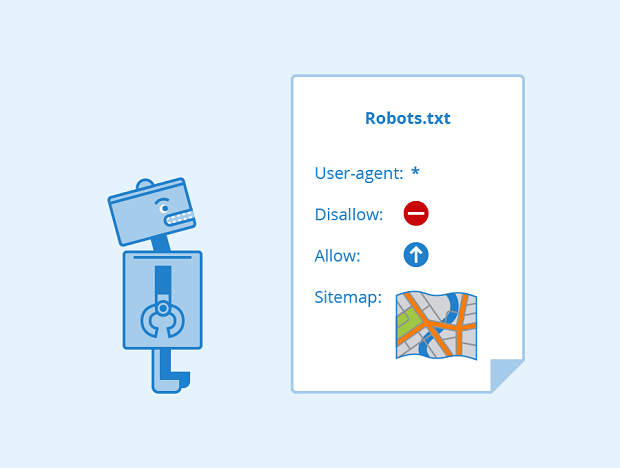
Website owners often use “robots.txt” files to communicate their intentions about crawling data from their website. Simply put, this file defines what we are allowed to crawl on the website. However, it’s certain that not many bots follow this file.
If you’ve used Scrapy, you’ll see that from version 1.1 (2016-05-11), the downloader will download the robots.txt file before starting crawling, to see which URLs are allowed to be crawled. But it’s also very easy to change this, go into settings.py and set ROBOTSTXT_OBEY = False, everything returns to normal.
Generating Dynamic Websites with Javascript
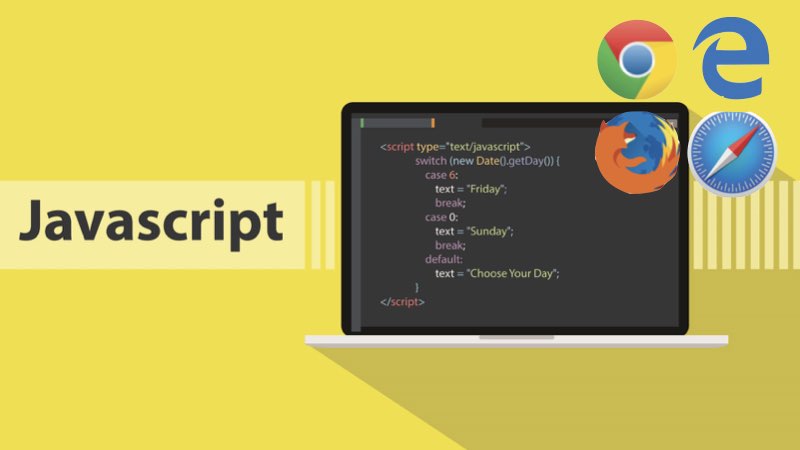
Nowadays, websites generated with Javascript are no longer a difficulty in crawling. Browsers like Chrome, Firefox,… can display website content because they have a Javascript interpreter in the browsers, and before displaying to users, they have to run Javascript code to retrieve HTML content and then display it to users.
So our thinking when crawling Javascript-generated websites is the same, before extracting code for analysis, we will pass it through an intermediate tool to run the Javascript code and return the final HTML code to us. With Scrapy, you can use Splash, or you can use Selenium to simulate a browser,… (I will explain more in specific articles about each method).
To check if the website you want to crawl data from is generated with Javascript, you can use the extension: Disable JavaScript
Protection via Cloudflare

There are many ways to detect whether a browser or a request to a website is from a bot or a real user. Cloudflare will detect and force bots to pass a captcha before wanting to continue accessing the content of the protected website.
I will also talk about how to bypass Cloudflare in a specific article later in this series.
Ban by IP Based on Too Much Traffic from One IP
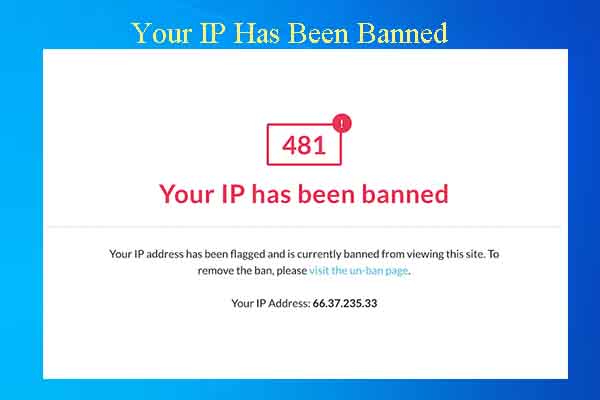
This can be overcome by using proxies. You create a pool containing thousands of proxies depending on your needs. Each time you request a website, you take out a proxy, so website owners won’t be able to know that requests to their website are from bots you created.
In addition, when crawling, you should also set a rest time for website accesses, partly to avoid overloading the website being crawled and also to avoid website owners detecting consecutive requests in a continuous time period from one place.
Using Login to Protect Content
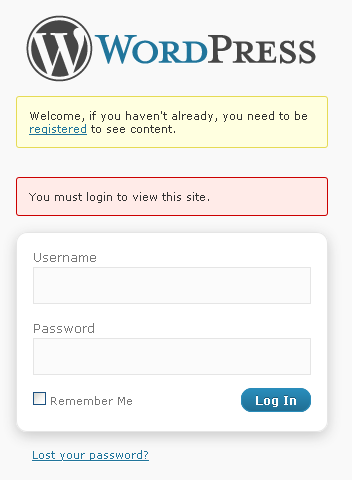
Forcing users to log in to view content on their website. Of course, these only apply if that website really has a position. For a newly created website that forces users to log in to view content, it may not attract new users.
And to bypass this protection method, we just need to log in and save the session for each subsequent request to the website. The most typical example of this is crawling Facebook, and I will also talk more specifically in a later article.
Using Captcha
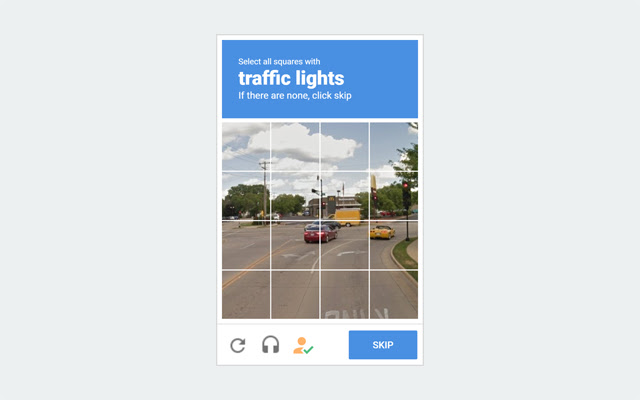
Using captcha can block quite a few bots but is rarely used because it creates a poor user experience.
Since the website doesn’t have a comment section under articles, everyone can discuss and give feedback to me at this GITHUB DISCUSSION: https://github.com/orgs/demanejar/discussions/1.